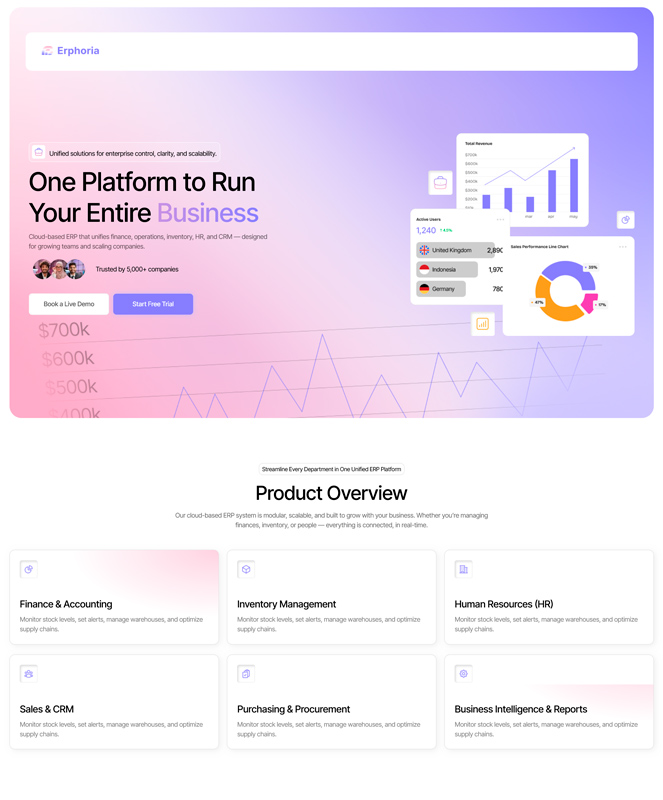
Upload a design and get an Elementor template instantly
Drag your design here or click to select
PNG, JPG, WEBP

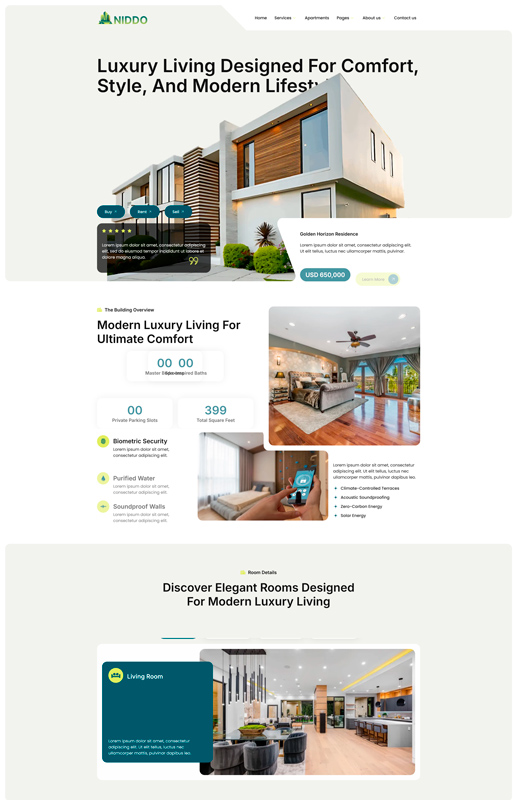
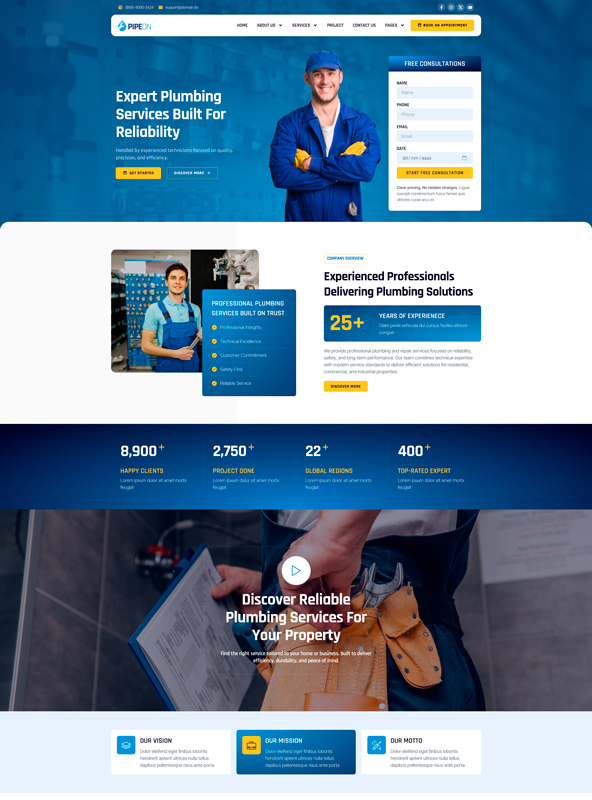

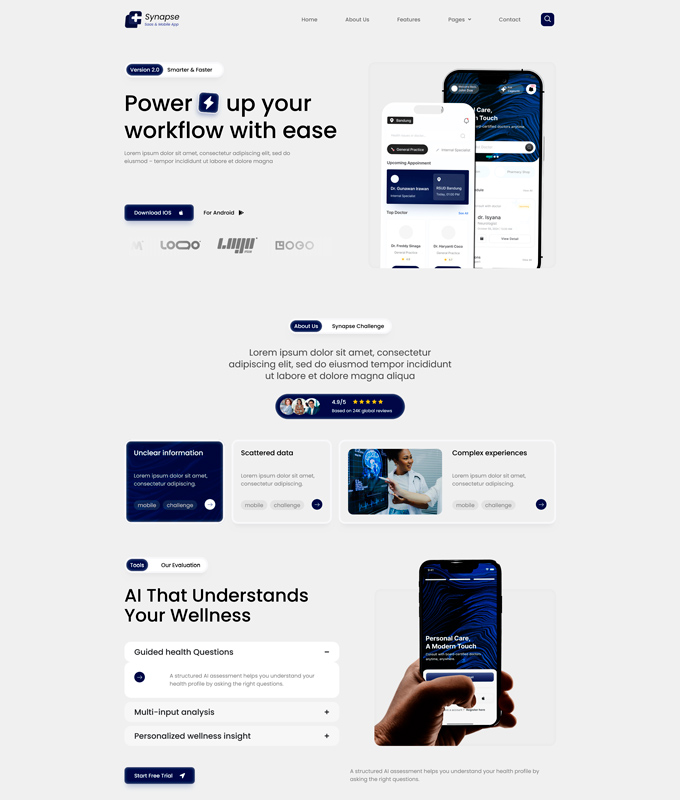


How It Works
Upload your design
Capture from Figma, Photoshop, or any mockup of your landing page.
AI analyzes
We detect sections, colors, typography, and structure automatically.
Edit visually
Adjust text, colors, and layout with our interactive editor.
Export JSON
Download and import directly into Elementor. Done!
Edit Everything Before you Export
Tweak Colors, Text & Layout Before you Export.
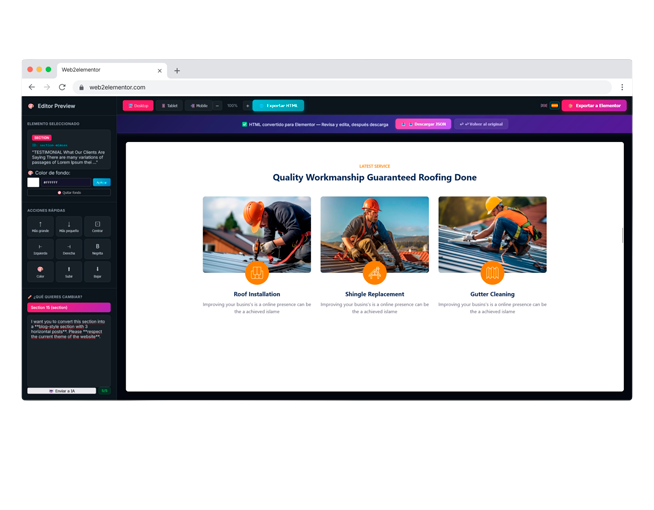
Click on any element in the preview to edit text, swap colors, resize sections, and adjust spacing - all without writing a single line of code. What you see is exactly what Elementor will build.
Tell the AI What to Change. It Rewrites the Whole Section.
Not happy with a section? Just describe what you want - "make the hero darker", "change the CTA copy", "add a features grid" - and the AI will regenerate it instantly, keeping the rest of your design intact.
When It Looks Perfect, Export your JSON in One Click.
Once you're happy with the design, hit Export and download your Elementor JSON file. Import it directly into any WordPress site - no coding, no plugins, no friction. Ready-to-use in seconds.
Plans & Pricing
Credits are shared across URL to Elementor, Image to Elementor, HTML to Elementor and the Chrome extension.
- 1 use every 2 months
- Simple visual editor
- Export Elementor JSON
- Chrome extension included (1 use)
- Export header, content & footer as ZIP
- 20 monthly credits
- All conversion tools included
- Chrome extension included
- Export header, content & footer as ZIP
- For hobby projects and occasional conversions
- 40 monthly credits
- All conversion tools included
- Chrome extension included
- Export header, content & footer as ZIP
- For developers and freelancers
- 80 monthly credits
- All conversion tools included
- Chrome extension included
- Export header, content & footer as ZIP
- For agencies and client production work
Trusted by 500+ users
Image to Elementor - Frequently Asked Questions
Upload a screenshot or design image (PNG, JPG, or WEBP) and click "Analyze & Convert". Our AI analyzes the visual layout, detects sections, columns, text, buttons, images, and colors, then generates a fully editable Elementor JSON file. you can preview the result in our visual editor, make adjustments, and download the JSON to import directly into WordPress with Elementor.
We accept PNG, JPG, and WEBP images. For best results, use full-page screenshots or high-resolution design mockups with a clear visual hierarchy. The AI works best with images that show a complete web page layout - hero sections, feature grids, pricing tables, footers, etc. Cropped UI fragments or very low-resolution images may produce less accurate results.
Yes - just export your Figma, Photoshop, Sketch, or Adobe XD design as a PNG or JPG image and upload it. The AI will interpret the visual layout and recreate it as an Elementor template with native containers, headings, text, images, and buttons. It's the fastest way to go from a design mockup to a working WordPress page without coding.
The AI does an impressive job of replicating layouts, colors, fonts, and spacing from the original image. It detects sections, columns, headings, paragraphs, buttons, and images automatically. Complex designs with many nested elements may need minor tweaks - that's why we include a visual editor where you can fine-tune everything before exporting the final Elementor JSON.
Absolutely. After conversion you get a live visual editor where you can change text, colors, fonts, spacing, backgrounds, and more - all in real time. Free users get up to 5 manual edits per design. Paid users enjoy unlimited manual edits plus AI-powered editing to make bulk changes instantly. Once you're happy, export the Elementor JSON or the full HTML.
No. The generated JSON uses native Elementor containers and standard widgets (headings, text editor, images, buttons, spacers), so it works perfectly with Elementor Free. Elementor Pro is not required to import or edit the template. However, if your design includes advanced features like custom forms or sliders, Pro may offer additional flexibility.
Download the Elementor JSON file, then open any page in WordPress with Elementor. Click the folder icon (template library) in the editor, go to the "My Templates" tab, and click "Import Templates". Select your JSON file and insert it - your design will appear instantly. No plugins or extra tools needed beyond Elementor itself.
You can try Image to Elementor with the free plan, which includes 1 use every 2 months. If you need more conversions, choose a monthly subscription or buy pay-as-you-go credits. Credits are shared across all Web2Elementor tools and the Chrome extension.
Looking for URL, HTML or Gutenberg conversion too?
Compare every Convert to Elementor workflow and choose the right tool for your source.
Explore Convert to ElementorConvert Sites Built on Any Platform