

How to Upload an HTML File to WordPress (and Edit It)
Four real cases: a website from Claude, a landing page on a site you already have, a Lovable site, and adding pages later. With the exact screens, prices and times.
Read the guide →New: Convert the page you are viewing into Elementor with our Chrome Extension. Install now →
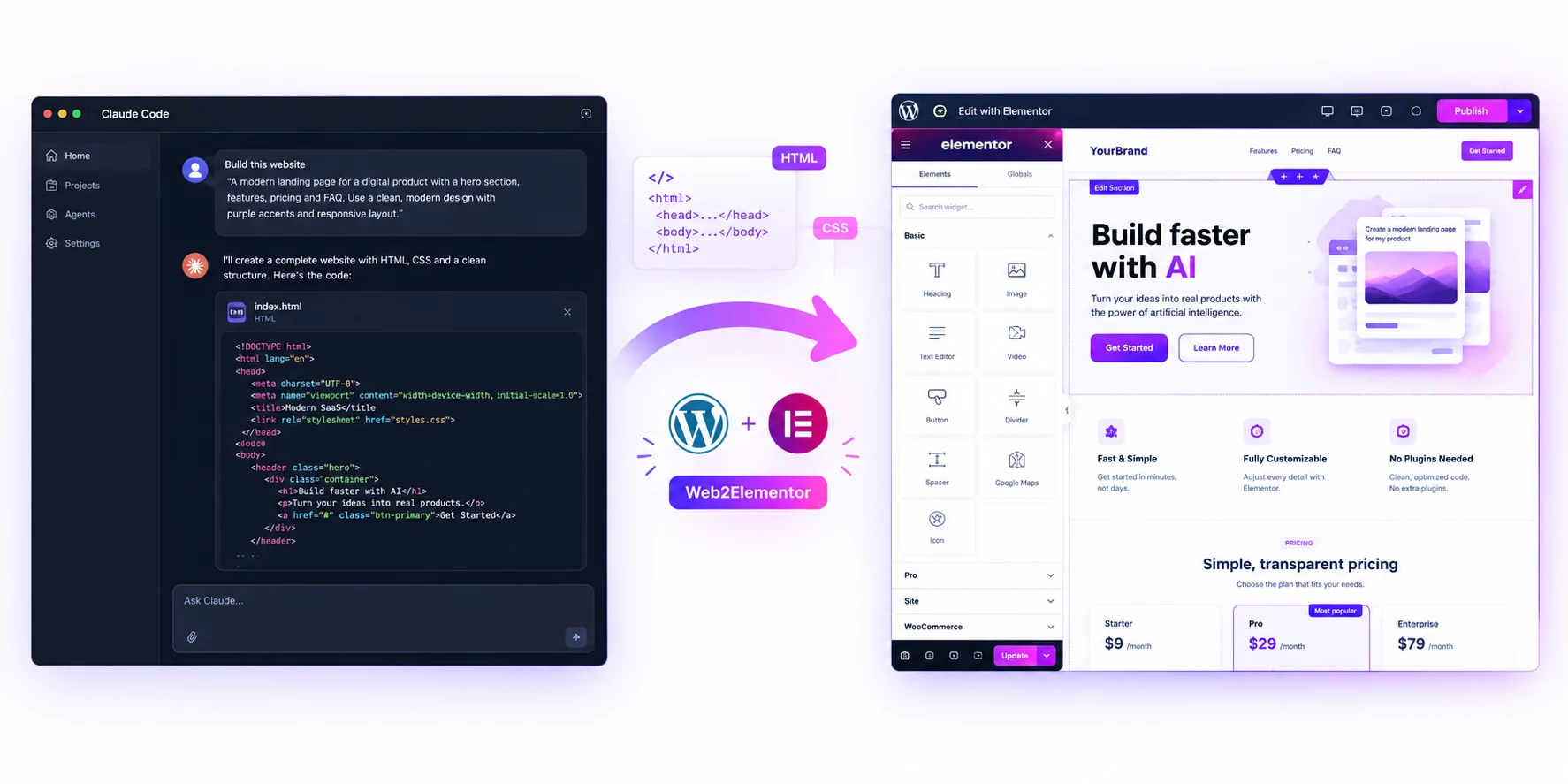
Paste the HTML that Claude, ChatGPT or Gemini gave you — even the whole answer — and the plugin builds real Elementor pages in WordPress, with your menu linked. Already converted on Web2Elementor? Upload the file instead.
Free download · Uses Web2Elementor credits · Works with Elementor Free
Web2Elementor Site Importer is a WordPress plugin. It turns pasted HTML — including answers from AI tools with several pages — or a file converted on web2elementor.com into editable Elementor pages. On a new WordPress site it installs Elementor and the Hello theme, sets your home page and links the menu inside your pages to your new pages. On a site that already has content, it only adds pages and leaves your theme, pages, menu and home page untouched. It needs Elementor 4.3 or later (the free version is enough) and updates it for you.
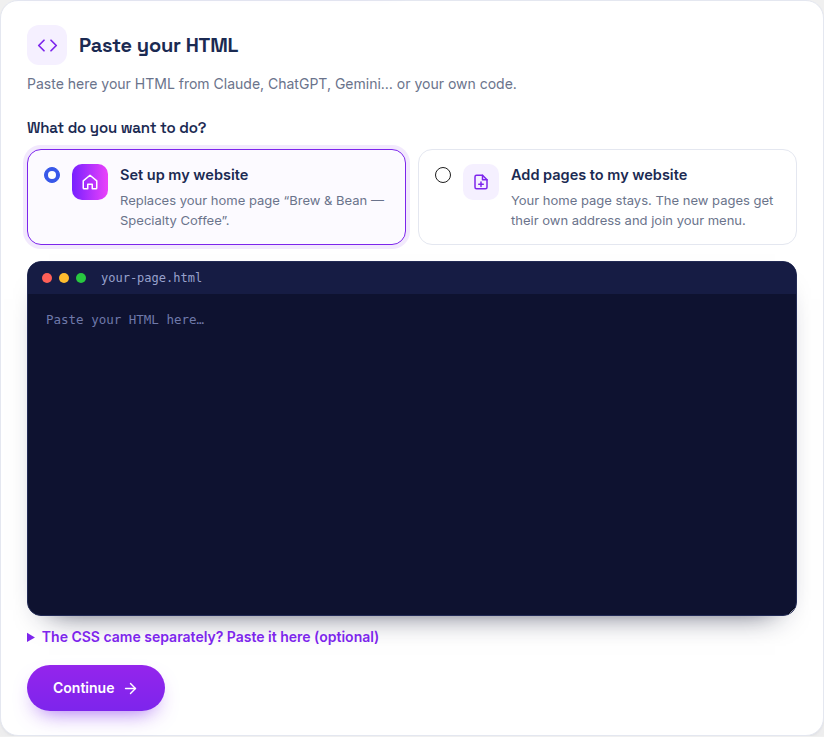
Claude, ChatGPT or Gemini: paste everything. If the answer has several pages, the plugin finds them all.
The .json or .zip you downloaded after converting a Wix, Lovable, Squarespace, Gutenberg or Elementor site.
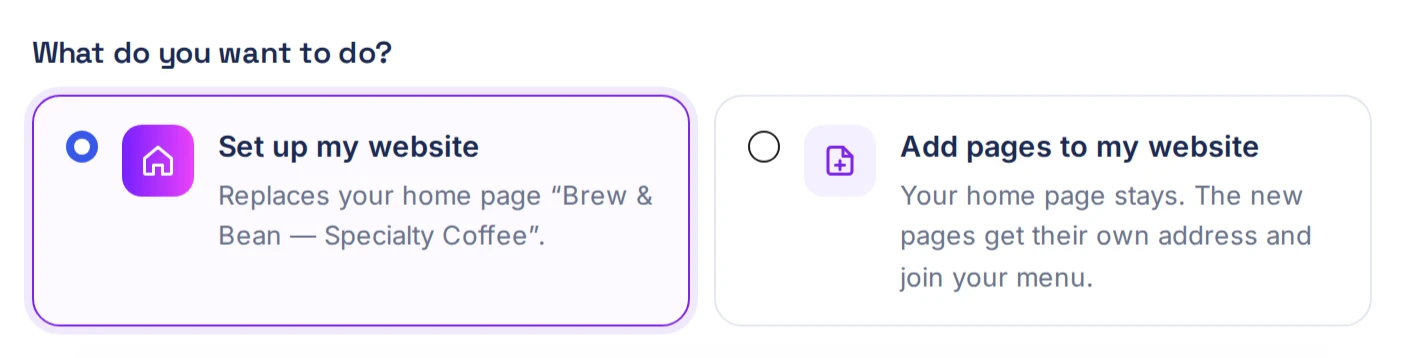
Start a new website, or add pages to the one you already have.
Each page with its address, which you can change, and a checkbox. Pages the plugin already built stay unchecked and are kept. Pages you made yourself are never replaced.
Editable pages with your header, footer and menu. Links between pasted pages point to the right place, and the mobile ☰ menu of pasted HTML opens on phones.
Keep them where they are, or download them all to your Media Library.
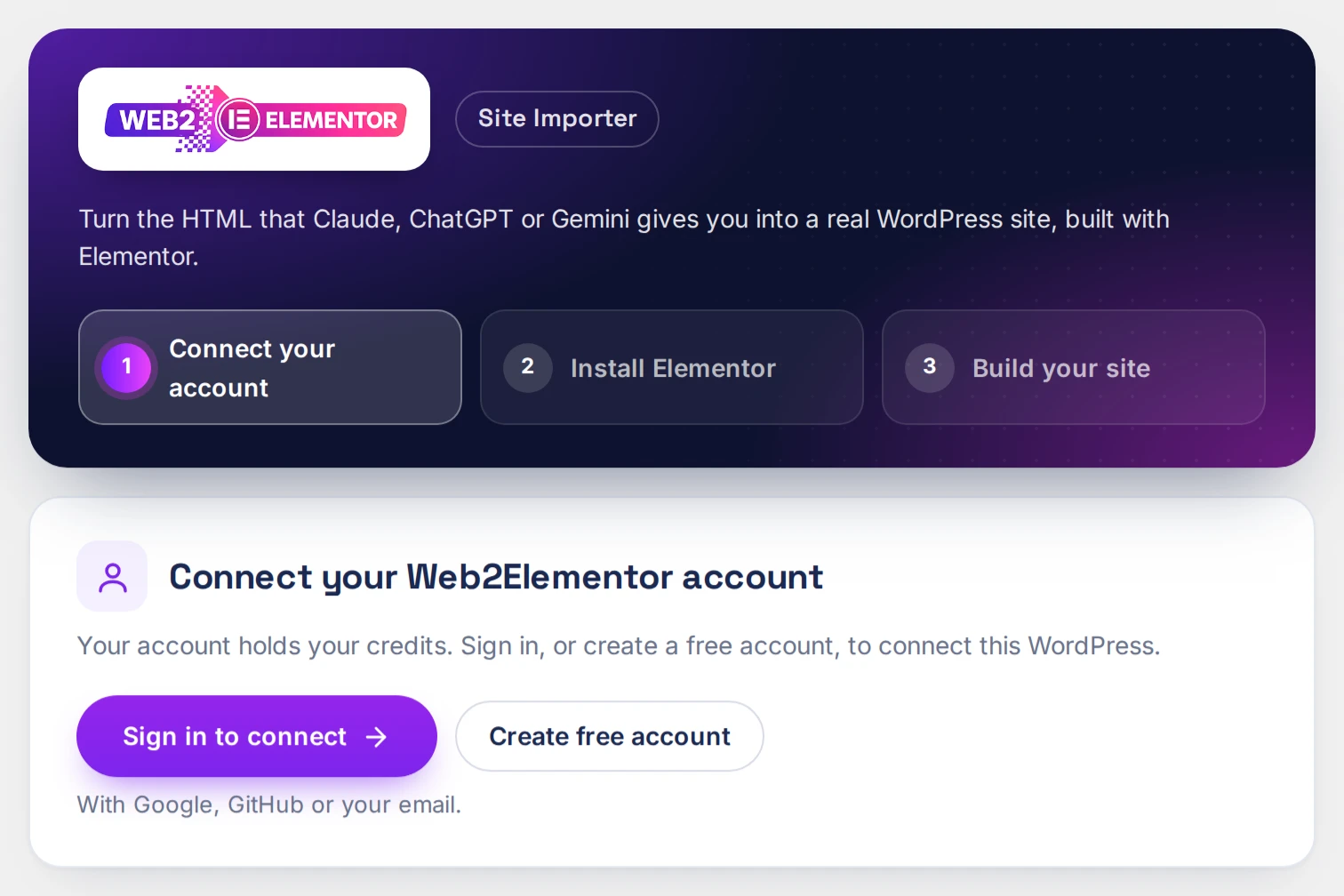
Install the plugin and connect your Web2Elementor account — or create a free one — from the plugin.

The first time, the plugin sets up your website. After that, choose Set up my website or Add pages to my website.

Paste your HTML or upload your file, and check your pages.

Read the summary of what will happen, accept, and the plugin builds your pages.

Four real cases: a website from Claude, a landing page on a site you already have, a Lovable site, and adding pages later. With the exact screens, prices and times.
Read the guide →| New WordPress site | Site with content | |
|---|---|---|
| Elementor | Installs the latest version | Installs or updates it |
| Theme | Installs Hello Elementor | Not changed |
| Your pages, menu and home page | Sets the imported home page and links the menu inside your pages | Not touched. Imported pages get their own "Web2Elementor" menu |
When you import a Wix, Lovable, Gutenberg or Elementor site, the header and footer become separate Elementor templates that all your pages share — edit them once. Pasted HTML keeps its header and footer inside each page.
| What you import | Home page | Each extra page |
|---|---|---|
| Pasted HTML (conversion included) | 14 credits | 4 credits |
| A file converted on web2elementor.com | 12 credits | 2 credits |
The download is free. Importing pages uses Web2Elementor credits, and you see the exact number before anything is charged.
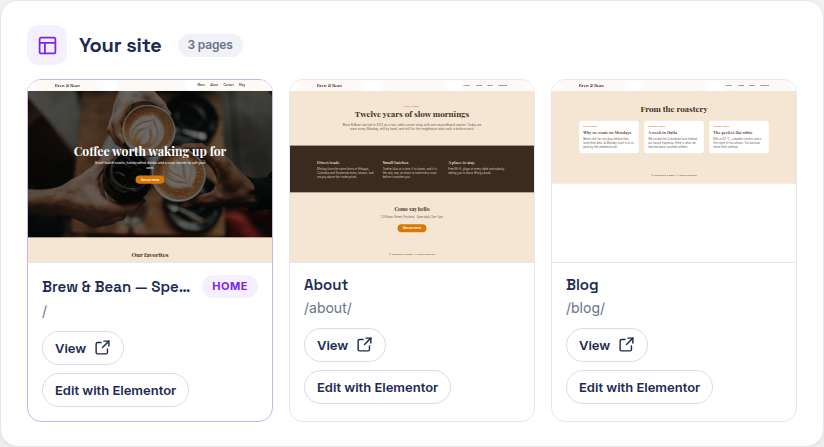
Paste your HTML and the plugin creates an editable Elementor page. On a new site, your first page becomes your home page; after that, choose "Add pages to my website". On a site that already has content, your page is simply added at its own address. Your theme and other pages stay as they are.
Yes. The plugin keeps the code, and if the answer has several pages, it lists them all so you choose which ones to import.
No. Elementor Free 4.3 or later is enough, and the plugin installs or updates it for you.
On a site with content, it doesn't change your theme, pages, menu or home page. We still recommend a backup before making changes.
Yes. It is replaced at the same address, without duplicates.
Your pages, images and menu stay in WordPress. The header, footer and mobile menu of imported pages are shown by the plugin, so keep it active to display them.
Not yet. Download it from this page. New versions are published on this page.
Version 0.1.2 · October 8, 2026
Requires WordPress 6.5+, PHP 7.4+ and Elementor 4.3+ (the free version is enough; the plugin installs or updates it).