

New: Convert the page you are viewing into Elementor with our Chrome Extension. Install now →

Practical guides to choose your platform and move your website to WordPress, then keep editing it visually with Elementor. What moves, what doesn’t, and how to do it step by step.

Move your website to WordPress

Four ways into WordPress: a code window, a folder of files, a web address and a picture, with arrows into the Elementor editor
AI

4 Ways to Put an AI-Built Website on WordPress

Four tested ways to move a website made with AI to WordPress: paste the code, upload the files, import its address or start from a picture. Real screens and times.
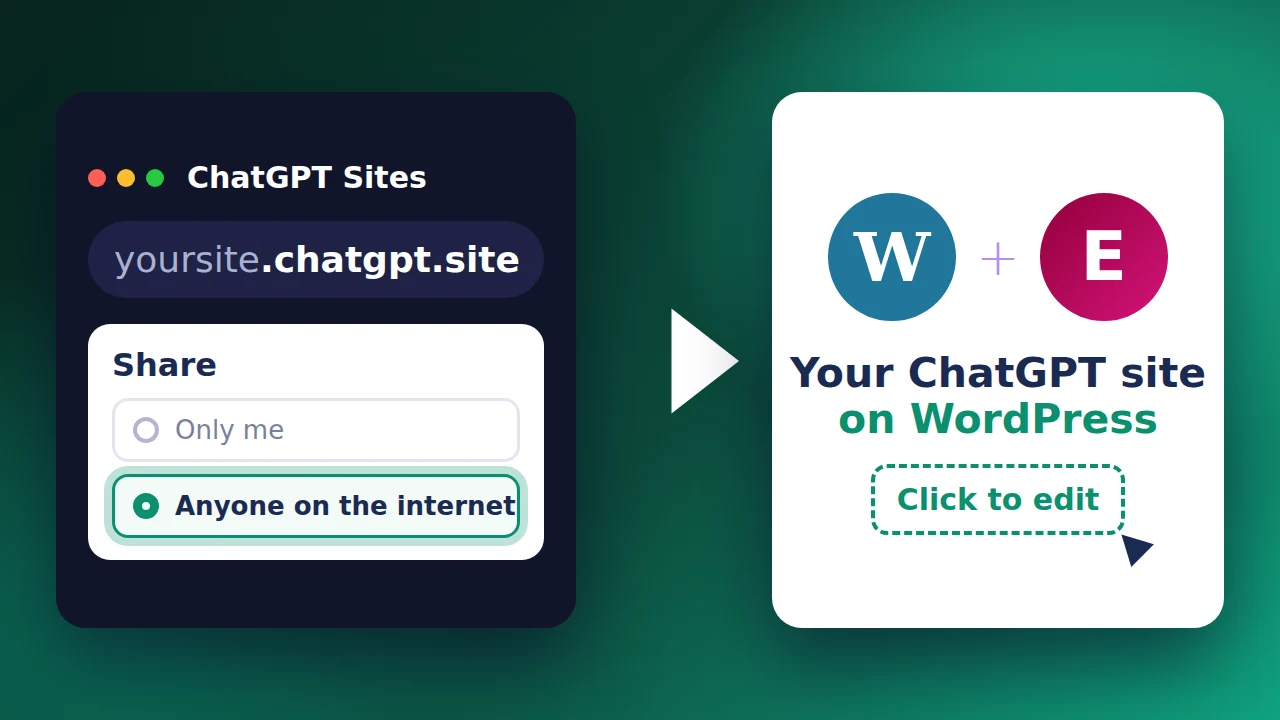
Updated November 10, 2026 · 9 min read

An index.html file with Paste or upload, an arrow, and the same page on WordPress with Elementor
HTML

How to Upload an HTML File to WordPress (and Edit It)

Paste or upload HTML from Claude, ChatGPT or Gemini and get pages you can edit in Elementor. Four real cases, with the exact screens, prices and times.

Updated October 8, 2026 · 9 min read

Wix vs WordPress: the Wix logo, an arrow and the WordPress and Elementor logos
Wix

Wix vs WordPress: Which One Is Right for You?

Cost, design, SEO and ownership compared, which one fits your case, and how to switch from Wix to WordPress without rebuilding your design.

Updated October 5, 2026 · 8 min read